
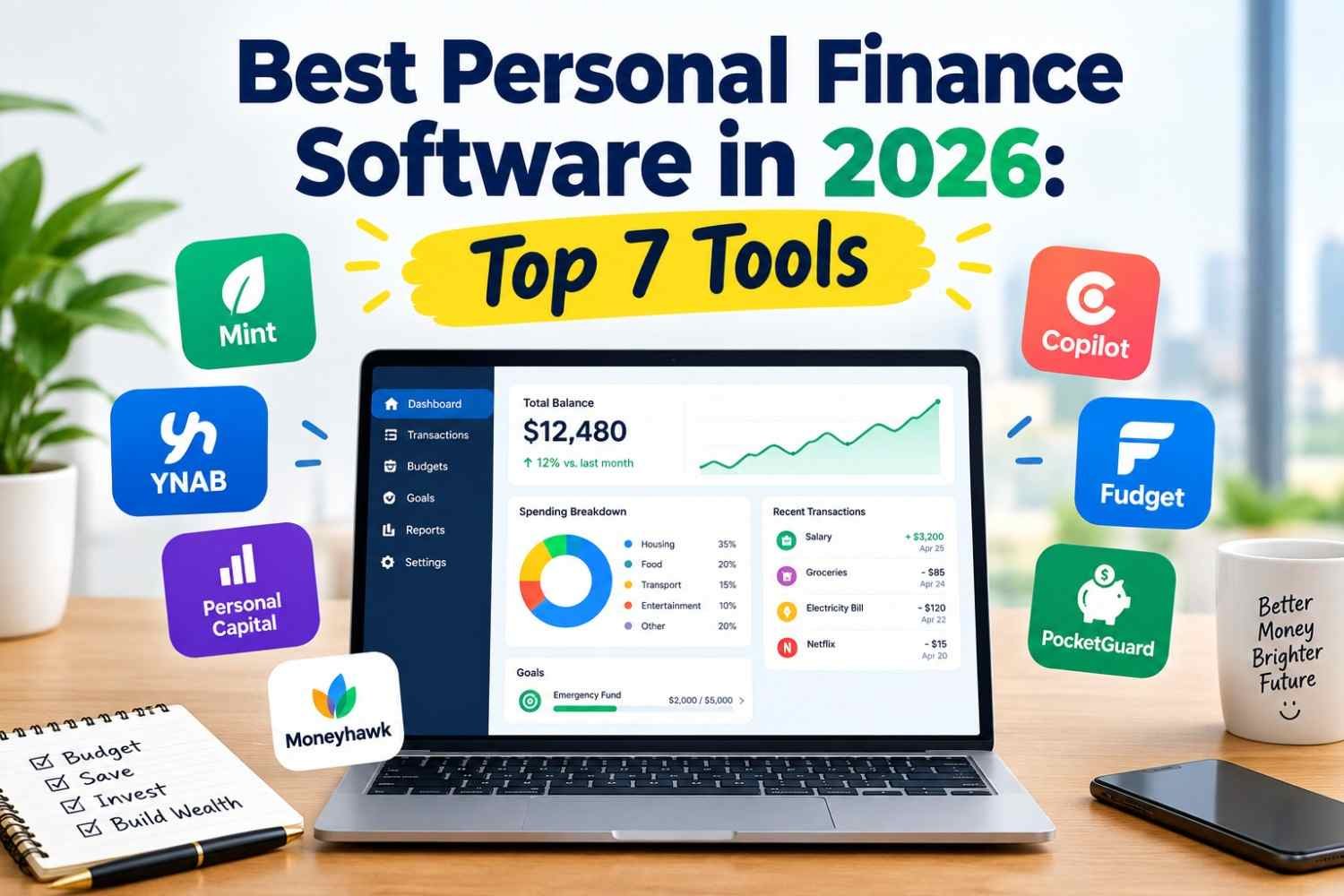
Managing money has become more complicated as households balance monthly expenses, credit card payments, savings goals, investments, retirement contributions, and long-term financial plans. Tracking everything manually across multiple spreadsheets and banking applications can take time and make it difficult to understand your overall financial position.
This is where the best personal finance software can help. Modern money management tools bring budgeting, expense tracking, account monitoring, savings goals, and investment tracking into a more organized dashboard. Some platforms also provide retirement planning tools, recurring bill reminders, subscription monitoring, and net worth reports.
In 2026, consumers have several options, ranging from free financial dashboards to premium budgeting applications designed for detailed financial planning. The right choice depends on your income, spending habits, investment portfolio, preferred budgeting method, and willingness to pay for advanced features.
In this guide, we compare seven popular personal finance tools, explain their main strengths and limitations, and discuss how to choose the right software for budgeting and wealth tracking.
What Is Personal Finance Software?
Personal finance software is a digital tool that helps individuals organize and monitor their financial activities. Depending on the platform, users may be able to connect bank accounts, track expenses, categorize transactions, monitor investments, create budgets, and calculate their net worth.
Rather than checking multiple accounts individually, users can potentially view their financial information in one place.
Common features include:
- Budget management: Create monthly spending limits and track progress against financial goals.
- Expense tracking: Categorize purchases and identify where money is going.
- Investment tracking: Monitor eligible brokerage accounts, retirement accounts, and investment performance.
- Net worth tracking: Compare assets and liabilities to understand overall financial progress.
- Bill and subscription monitoring: Identify recurring payments and upcoming expenses.
- Financial reporting: Review spending trends, cash flow, savings rates, and account balances.
Not every platform includes every feature. Before subscribing, check account compatibility, regional availability, data security practices, and whether advanced tools require a paid plan.
Best Personal Finance Software in 2026: Quick Comparison
The following tools serve different financial needs. These are category-based recommendations rather than a universal ranking for every user.
| Software | Best For | Pricing Model |
|---|---|---|
| Monarch Money | All-in-one household budgeting and net worth tracking | Paid subscription |
| Quicken Simplifi | Everyday budgeting and cash flow management | Paid subscription |
| You Need a Budget (YNAB) | Structured, zero-based budgeting | Paid subscription |
| Empower Personal Dashboard | Investment and net worth tracking | Free core dashboard; optional paid advisory services |
| Rocket Money | Subscription monitoring and spending management | Free and paid features |
| PocketGuard | Tracking available spending and controlling overspending | Free and paid options; verify current plan |
| Quicken Classic | Detailed financial records and investment reporting | Paid subscription |
Features, plan names, and prices can change. Confirm the current terms on each provider’s official website before making a purchase. These products are not equally available in every country.
1. Monarch Money: Best for Comprehensive Financial Tracking
Monarch Money is designed for people who want a consolidated view of household finances. It combines budgeting, expense categorization, financial goals, net worth monitoring, and investment tracking in one platform.
Key Features
- Customizable budgets and spending categories
- Account aggregation and transaction tracking
- Net worth monitoring
- Investment and savings goal tracking
- Household collaboration features
- Financial reports and spending trends
Pros
Monarch Money can be useful for households managing multiple accounts and financial goals. Its customizable dashboard helps users review spending and assets without maintaining separate spreadsheets for every account.
Cons
It is a paid product, so users should compare the subscription cost against the features they will actually use. The accuracy and completeness of consolidated financial data also depend on supported account connections.
Best for: Households and individuals who want budgeting, investment monitoring, and net worth tracking together.
2. Quicken Simplifi: Best for Everyday Budgeting
Quicken Simplifi focuses on helping users understand their income, expenses, upcoming bills, and available spending. It can be a practical choice for people who want a financial overview without using a highly structured budgeting system.
Key Features
- Income and expense tracking
- Spending plans and budget categories
- Recurring bill monitoring
- Savings goal tracking
- Cash flow projections
- Connected account monitoring
Pros
The platform brings routine money management tasks together. Users can review spending patterns, identify recurring expenses, and plan for upcoming payments.
Cons
It requires a paid subscription, and its usefulness depends on whether the user’s financial institutions and preferred accounts are supported.
Best for: Individuals who want a straightforward personal finance management tool for day-to-day budgeting and cash flow planning.
3. You Need a Budget (YNAB): Best for Structured Budgeting
You Need a Budget, commonly known as YNAB, follows a zero-based budgeting approach. The central idea is to assign available money to specific purposes, such as housing, groceries, insurance, debt repayment, and savings.
This method is different from simply recording transactions after they occur. It encourages users to decide how their available money should be used before spending it.
Key Features
- Zero-based budgeting
- Spending category management
- Savings goal planning
- Debt repayment planning
- Budget reports and progress tracking
- Supported financial account connections
Pros
YNAB can help users become more intentional about spending and prepare for irregular expenses. It is especially useful for people who want an active budgeting method rather than a dashboard that only summarizes transactions.
Cons
The approach requires regular participation and a learning period. Its subscription cost may not be worthwhile for people who prefer a simple free expense tracker.
Best for: People who want a disciplined budgeting system and are prepared to review and adjust their budget regularly.
4. Empower Personal Dashboard: Best for Investment and Net Worth Tracking
Empower Personal Dashboard is particularly relevant to users who want to monitor investments and understand their overall financial position. Its core dashboard provides financial tracking features, while optional investment advisory services have separate terms and fees.
Key Features
- Net worth monitoring
- Supported investment account aggregation
- Portfolio overview
- Retirement planning tools
- Spending and cash flow tracking
- Financial account summaries
Pros
Users can view eligible investment accounts and other financial information together. This can help people understand how their assets and liabilities change over time.
Cons
It is not primarily a strict budgeting application. Users should review the provider’s eligibility requirements, supported account connections, privacy practices, and advisory service fees before deciding whether to use additional services.
Best for: Investors and retirement planners who want a consolidated financial dashboard.
5. Rocket Money: Best for Subscription and Expense Monitoring
Rocket Money focuses on helping consumers understand recurring expenses, manage subscriptions, and review their spending. It can be useful for people who want to identify unnecessary recurring charges and improve monthly cash flow.
Key Features
- Spending and transaction tracking
- Subscription monitoring
- Budgeting tools
- Recurring payment visibility
- Bill-related features
- Optional premium services
Pros
Recurring subscriptions can be easy to overlook when payments are spread across multiple accounts. Rocket Money helps users identify recurring charges and review their spending habits.
Cons
Some features require a premium plan, and availability may depend on the user’s location and supported financial institutions. Users should also verify any terms associated with optional bill negotiation or cancellation services.
Best for: Consumers who want better visibility into subscriptions and recurring expenses.
6. PocketGuard: Best for Controlling Overspending
PocketGuard is designed to help users understand how much money they may have available after accounting for expenses, bills, and financial goals. Its features can help people who struggle to keep discretionary spending within a planned limit.
Key Features
- Budget and expense tracking
- Spending category monitoring
- Recurring expense tracking
- Available-spending calculations
- Financial goal management
- Additional features depending on the plan
Pros
A clear view of available spending can make everyday financial decisions easier. Users can compare purchases against their budgets instead of relying entirely on their current bank balance.
Cons
The usefulness of its calculations depends on accurate account data and how well users configure their financial obligations. Plan features and prices should be checked before subscribing.
Best for: People who want help monitoring discretionary spending and avoiding budget overruns.
7. Quicken Classic: Best for Detailed Financial Records
Quicken Classic is an established personal finance application with detailed tracking and reporting capabilities. It may appeal to users who want more control over their financial records than a lightweight mobile budgeting app provides.
Key Features
- Detailed income and expense records
- Budgeting and transaction categorization
- Investment tracking
- Financial reports
- Account reconciliation
- Historical financial data management
Pros
Its detailed reporting can help users review financial history, track spending trends, and maintain organized records across supported accounts.
Cons
Its broad feature set may feel excessive for someone who only wants to track monthly expenses. Users should confirm platform compatibility, subscription terms, and the availability of desired integrations.
Best for: People who prefer detailed financial records, reporting, and more advanced money management features.
How to Choose the Best Personal Finance Software
Choosing financial software based only on its popularity or number of features can lead to unnecessary subscription costs. A better approach is to identify the financial problem you want to solve.
1. Identify Your Primary Financial Goal
Start by deciding whether your main priority is budgeting, investment tracking, debt repayment, subscription monitoring, or long-term financial planning.
For example, YNAB is oriented toward structured budgeting, while Empower’s core dashboard is more relevant to investment and net worth tracking. Monarch Money offers a broader household finance overview.
2. Compare Free and Paid Features
Some tools provide useful free dashboards, while others require subscriptions for their main features. Compare the annual cost with the benefits you expect to receive.
Consider:
- Monthly and annual subscription fees
- Free trial duration
- Limits on accounts or reports
- Premium feature restrictions
- Cancellation and renewal policies
A free tool may be sufficient for basic expense tracking. A paid product may be more appropriate if you regularly use advanced reporting, household collaboration, or detailed investment monitoring.
3. Check Bank Account Compatibility
Automatic account synchronization can reduce manual work, but support varies by country and financial institution.
Before linking an account, verify that your bank, credit cards, brokerage accounts, and retirement accounts are supported. Also check whether synchronization is automatic, how often data refreshes, and whether transactions need manual correction.
4. Review Security and Privacy
Personal finance software may handle sensitive information, including account balances, spending records, and investment data.
Look for clear privacy policies, encryption information, secure authentication options, account connection details, and procedures for disconnecting accounts or deleting data.
Never share banking passwords or verification codes with an unverified service. Understand whether a platform uses a third-party connection provider and what information that provider can access.
5. Consider Investment and Net Worth Features
If your financial life includes brokerage accounts, retirement savings, property, loans, and other assets, investment tracking and net worth reporting may be important.
A net worth calculation generally follows this formula:
Net Worth = Total Assets − Total Liabilities
For example, if your total assets are $350,000 and your total liabilities are $140,000, your estimated net worth is $210,000.
A finance application can help organize this information, but users should verify account balances, valuations, and liabilities because connected data may be delayed or incomplete.
6. Evaluate Mobile and Desktop Access
Some users manage money primarily through a phone, while others prefer desktop reports and spreadsheets. Choose software that works well on your preferred devices and supports the reporting features you need.
7. Confirm Country-Specific Availability
This comparison focuses mainly on the US market. Bank connectivity, investment features, pricing, tax tools, and account eligibility can differ in the UK, Canada, Australia, and other countries.
Do not assume that a US-focused app supports local banking or financial products in another country. Check the provider’s official documentation before subscribing.
Personal Finance Software vs. Budgeting Apps
The terms personal finance software and budgeting apps are often used interchangeably, but they can describe different levels of functionality.
| Feature | Basic Budgeting App | Comprehensive Finance Software |
|---|---|---|
| Monthly budget | Usually included | Usually included |
| Expense tracking | Usually included | Usually included |
| Investment monitoring | Sometimes limited | Often available |
| Net worth tracking | May be limited | Common feature in some products |
| Detailed reports | Varies | Often more extensive |
| Financial account aggregation | Depends on the app | Often supported |
| Retirement planning | Less common | Available in selected tools |
The best option depends on your needs rather than the number of features. Someone who wants to reduce monthly spending may not need advanced investment reporting, while a household managing several investment accounts may benefit from a broader platform.
Can Personal Finance Software Help Build Wealth?
Personal finance software does not automatically increase wealth or guarantee better investment returns. However, it can make financial information easier to understand and help users follow a consistent plan.
Track Spending and Improve Cash Flow
Expense categorization can reveal how much money goes toward housing, transport, groceries, entertainment, and recurring subscriptions. Reviewing these categories may help users identify spending they want to reduce.
Set Savings Goals
Budgeting tools can help users plan for emergency funds, large purchases, education, or retirement contributions. Progress tracking can make long-term targets easier to monitor.
Monitor Debt
Some tools help users organize credit card balances, loan obligations, and repayment goals. Reviewing interest rates and payment schedules can support more informed debt management decisions.
Review Investment Progress
Investment tracking can consolidate account information and display changes in portfolio value. Remember that market fluctuations affect investment balances, and historical performance does not guarantee future returns.
Monitor Net Worth Over Time
A periodic net worth review can show how assets and liabilities change. Looking at the trend over several months may help users evaluate savings habits, debt reduction, and overall financial progress.
Frequently Asked Questions
What is the best personal finance software in 2026?
The best personal finance software depends on your needs. Monarch Money is a strong option for a consolidated household finance view, YNAB focuses on structured budgeting, Quicken Simplifi supports everyday money management, and Empower Personal Dashboard is useful for investment and net worth tracking.
What is the best free personal finance software?
Empower Personal Dashboard offers core financial tracking features without a standard dashboard subscription fee. Rocket Money also provides free features, although certain services require payment. Check eligibility, current plan details, and regional availability before signing up.
What is the best personal finance software for wealth tracking?
For people focused on investment monitoring and net worth, Empower Personal Dashboard and Monarch Money are worth comparing. The better option depends on supported accounts, reporting needs, and whether you prefer a free core dashboard or a paid all-in-one service.
Is paid personal finance software worth it?
Paid software may be worthwhile if its budgeting, reporting, account synchronization, or planning features save time and help you manage finances more effectively. If you only need basic expense tracking, a free tool or spreadsheet may be enough.
Is personal finance software safe to use?
Security depends on the provider’s practices, technology, account connection method, and your own account security. Review privacy policies, authentication options, encryption details, and data-sharing terms before connecting financial accounts.
Can personal finance software track investments and bank accounts together?
Some applications can combine supported bank, credit card, brokerage, retirement, and loan accounts in one dashboard. Coverage varies by provider and financial institution, so verify compatibility before subscribing.
What is the difference between budgeting software and investment tracking software?
Budgeting software focuses on income, expenses, spending limits, and savings goals. Investment tracking software focuses on portfolio holdings, asset values, and investment performance. Some personal finance platforms offer both sets of features.
Is personal finance software better than Excel?
Dedicated finance software may automate transaction imports and provide account dashboards, while Excel offers flexibility and manual control. A spreadsheet may be enough for a simple budget, but connected software can be more convenient for managing multiple financial accounts.
Final Verdict
The best personal finance software in 2026 is the one that matches your financial goals, fits your budget, and provides reliable information without unnecessary complexity.
For a comprehensive household finance overview, consider Monarch Money. For structured spending control, evaluate YNAB. For everyday budgeting, compare Quicken Simplifi. For investment and net worth monitoring, explore Empower Personal Dashboard. Rocket Money and PocketGuard are additional options for subscription monitoring and spending management, while Quicken Classic suits users who want detailed financial records.