
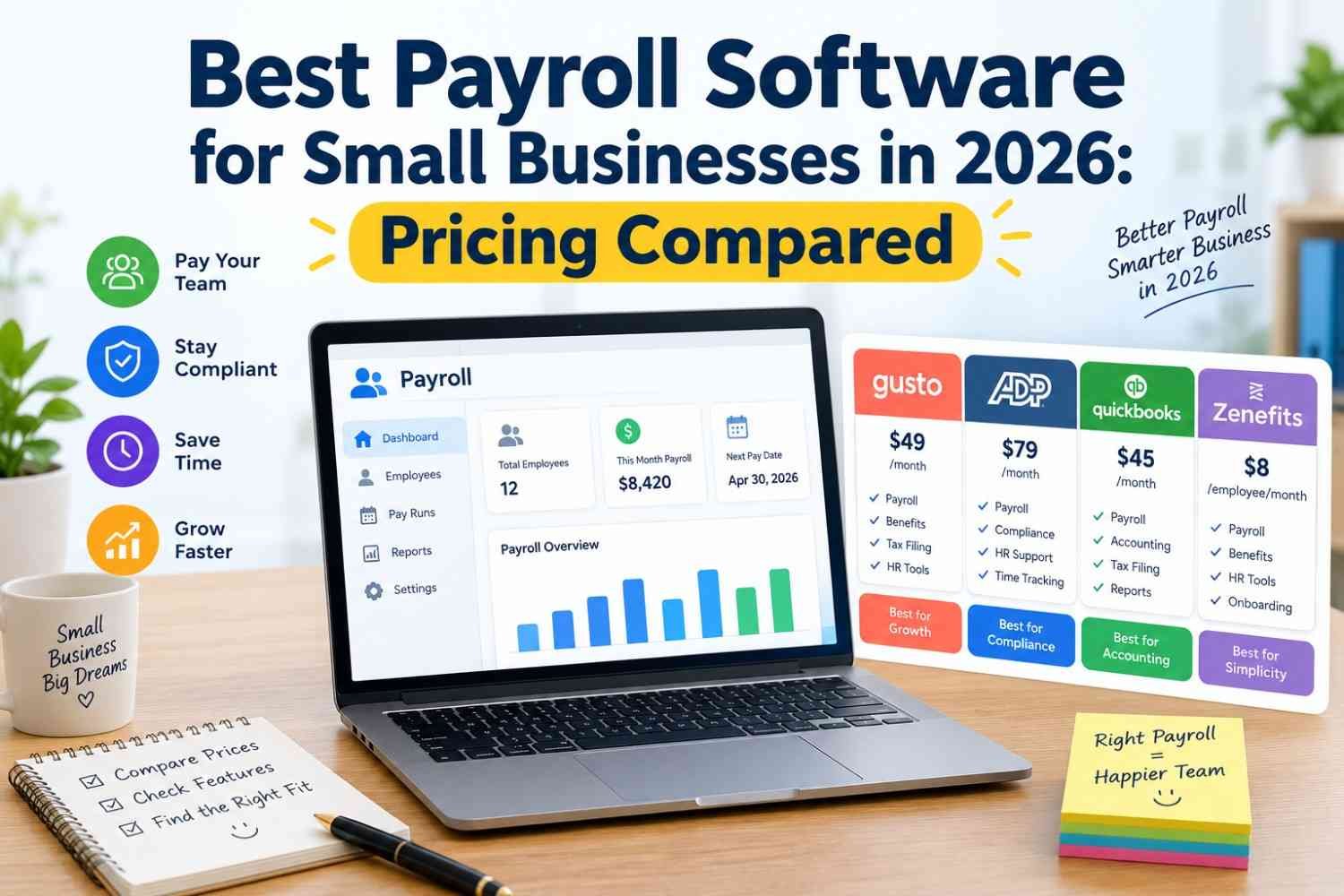
Managing employee payments, calculating payroll taxes, tracking working hours, and maintaining accurate payroll records can become increasingly complicated as a business grows. For small businesses, these responsibilities consume valuable time that could otherwise be spent on customers, operations, and revenue growth.
The best payroll software for small businesses helps automate payroll processing, calculate employee wages, manage deductions, support tax filings, and organize employee payment records. Depending on the provider and plan, businesses may also receive access to employee benefits, time tracking, accounting integrations, and human resources management tools.
However, choosing the right platform requires more than comparing monthly subscription prices. Some payroll services charge a base fee plus a separate amount for every employee, while others offer additional features through higher-priced plans or optional services.
In this guide, we compare leading small business payroll software options for 2026, examine their pricing structures, and explain which solutions may work best for different business requirements.
What Is Payroll Software for Small Businesses?
Payroll software is a digital system that helps businesses calculate employee compensation and manage the administrative tasks associated with paying workers.
Depending on its features, payroll software can automate several important activities:
- Calculating gross wages, overtime, and employee deductions.
- Processing employee payments through supported payment methods.
- Calculating applicable payroll tax withholding.
- Preparing and filing payroll tax forms.
- Managing employee payment records and pay stubs.
- Supporting contractor payments and year-end tax documents.
- Integrating payroll information with accounting software.
- Providing employee self-service portals.
For US businesses, full-service payroll software may also handle supported federal, state, and local payroll tax filings. However, the exact services and guarantees depend on the provider, subscription plan, and business location.
Choosing a suitable payroll platform can help reduce manual work, improve recordkeeping, and make payroll administration more predictable.
Best Payroll Software for Small Businesses in 2026
The following providers offer different combinations of payroll processing, tax support, accounting integrations, and employee management features.
1. Gusto — Best Overall for Many Small Businesses
Gusto is a payroll and HR platform designed to help small businesses manage employee payments, payroll taxes, and selected HR activities through one system.
Its features include automated payroll calculations, tax filings, employee onboarding, and benefits administration. Higher-tier plans add capabilities such as time tracking, scheduling, and additional HR support.
Gusto may be a suitable option for businesses that want payroll and basic HR tools without building a complicated technology setup.
Key features
- Automated payroll processing.
- Payroll tax filings and payments.
- Employee onboarding and self-service.
- Supported benefits administration.
- Time tracking and scheduling on eligible plans.
- Integrations with accounting and business applications.
Pricing: Gusto’s official pricing page lists its Simple plan at $49 per month plus $6 per person, its Plus plan at $80 per month plus $12 per person, and its Premium plan at $180 per month plus $22 per person. Additional charges or eligibility requirements may apply to particular services.
Best for: Small and growing US businesses looking for payroll automation with optional HR capabilities.
Potential limitation: Businesses with tight budgets should compare the total subscription cost with lower-priced alternatives.
Official pricing: https://gusto.com/product/pricing
2. QuickBooks Payroll — Best for QuickBooks Accounting Users
QuickBooks Payroll is worth considering for businesses that already use QuickBooks for bookkeeping and financial reporting.
Connecting payroll with accounting can reduce duplicate data entry and make it easier to reconcile wages, payroll expenses, and related transactions. Available payroll tax services, employee payment features, and HR capabilities depend on the selected plan.
Key features
- Payroll calculations and employee payments.
- Payroll tax support on eligible plans.
- Integration with QuickBooks accounting.
- Employee payment records and reporting.
- Options for businesses with different payroll requirements.
Pricing: Recent 2026 comparisons list a payroll starting price around $50 per month plus $7 per employee for a standalone offering. Promotions, bundled accounting plans, and other plan configurations can change the final cost.
Best for: Businesses already using QuickBooks accounting that want a more connected bookkeeping and payroll workflow.
Potential limitation: Compare the full cost of accounting subscriptions, payroll, and add-ons rather than looking only at the advertised starting price.
Official website: https://quickbooks.intuit.com/payroll/
3. OnPay — Best for Straightforward Payroll Management
OnPay provides payroll processing, payroll tax services, and selected HR features through a relatively straightforward pricing structure.
Its offering can be attractive to small businesses that prefer a single main payroll plan instead of choosing between several complicated subscription tiers.
Businesses should review the available services for their state, workforce type, and tax filing requirements before signing up.
Key features
- Payroll processing and employee payment management.
- Payroll tax calculations and filing support.
- Employee onboarding and payroll records.
- Support for eligible contractors.
- Accounting integrations.
- HR tools for supported business needs.
Pricing: Recent 2026 comparison sources list OnPay at approximately $49 per month plus $6 per worker. Verify the current rate and any additional fees directly with the provider.
Best for: Small businesses that want a straightforward payroll service with published pricing.
Potential limitation: Businesses needing advanced workforce scheduling, extensive HR workflows, or specialized integrations should check whether the required capabilities are included.
Official website: https://onpay.com/
4. Patriot Payroll — Best for Budget-Conscious Businesses
Patriot Payroll is designed for small businesses that want to manage payroll without paying for a large suite of HR features they may not need.
It offers different service levels, including a basic option for businesses handling their own payroll tax filing and a full-service option that includes supported tax filing services.
This distinction is important because a lower subscription price may require the business owner to perform additional administrative work.
Key features
- Employee payroll calculations.
- Payroll reporting and recordkeeping.
- Direct deposit options, subject to plan terms.
- Basic and full-service payroll choices.
- Integration options for business accounting workflows.
Pricing: Recent 2026 comparisons list Patriot’s Basic Payroll at approximately $17 per month plus $4 per employee and its Full Service plan at around $37 per month plus $5 per employee. Confirm current pricing and service inclusions before purchasing.
Best for: Small businesses prioritizing affordability and straightforward payroll requirements.
Potential limitation: Compare the responsibilities associated with self-managed tax filing against the convenience of full-service payroll.
Official website: https://www.patriotsoftware.com/payroll/
5. Square Payroll — Best for Hourly Teams and Square Users
Square Payroll can be a practical option for restaurants, retail businesses, and other employers that already use Square’s point-of-sale or workforce tools.
Depending on the setup, businesses may be able to connect employee hours and related information with payroll processing. This can help reduce manual entry when calculating wages for hourly workers.
Key features
- Payroll processing for supported employee types.
- Employee payment and payroll reporting.
- Integration with Square’s business ecosystem.
- Support for hourly work and relevant time records.
- Contractor-only options for eligible businesses.
Pricing: Recent 2026 comparisons list its full-service payroll offering at approximately $35 per month plus $6 per person paid. Contractor-only pricing may use a different structure.
Best for: Small businesses that already use Square and want to connect workforce information with payroll.
Potential limitation: Businesses using other point-of-sale systems should compare integration compatibility before choosing this provider.
Official website: https://squareup.com/us/en/payroll
6. ADP RUN — Best for Businesses Expecting to Grow
ADP RUN provides payroll services aimed at small businesses that may need additional HR support and compliance-related assistance as they expand.
Its offerings can include payroll processing, tax filing support, employee management, and access to additional HR services, depending on the package.
Key features
- Payroll processing and tax administration.
- Employee records and payroll reports.
- HR support options.
- Additional services for expanding businesses.
- Options designed for different levels of payroll complexity.
Pricing: ADP generally requires businesses to request a customized quote rather than relying on one universal public starting price.
Best for: Employers who want a well-established payroll provider and may need broader support as their workforce grows.
Potential limitation: Request a detailed quote that identifies setup charges, recurring fees, add-ons, contract terms, and renewal pricing.
Official website: https://www.adp.com/
7. Paychex Flex — Best for Payroll With Additional HR Support
Paychex Flex offers payroll and workforce management services for businesses with different employee management requirements.
Depending on the selected package, employers may be able to combine payroll processing with HR support, benefits-related services, reporting, and other administrative capabilities.
Key features
- Payroll calculations and employee payment services.
- Payroll tax administration options.
- Employee information management.
- HR and workforce support options.
- Additional services for growing employers.
Pricing: Pricing varies by package and business requirements. Contact Paychex for a quote and compare the full cost of the services you actually need.
Best for: Small businesses looking for payroll alongside additional workforce administration support.
Potential limitation: Businesses with simple payroll needs may find a more transparent, lower-cost subscription easier to evaluate.
Official website: https://www.paychex.com/
Payroll Software Pricing Comparison for 2026
The table below summarizes indicative US pricing reported in recent 2026 comparison sources. These figures are not guaranteed quotes, and some providers offer promotions or customized pricing.
| Payroll software | Indicative starting price | Best suited for |
|---|---|---|
| Gusto | $49/month + $6/person | Payroll and HR |
| QuickBooks Payroll | $50/month + $7/employee | QuickBooks users |
| OnPay | $49/month + $6/worker | Straightforward payroll |
| Patriot Basic | $17/month + $4/employee | Budget-conscious businesses handling their own tax filing |
| Patriot Full Service | $37/month + $5/employee | Budget-focused full-service payroll |
| Square Payroll | $35/month + $6/person | Square users and hourly teams |
| ADP RUN | Custom quote | Businesses needing scalable services |
| Paychex Flex | Custom quote | Payroll with additional HR support |
Sources for pricing comparisons: TechnologyAdvice, Gusto official pricing, and Capterra’s payroll software guide.
How Much Does Payroll Software Cost for a Small Business?
Payroll software commonly uses one of two pricing structures: a monthly base subscription plus a per-worker fee, or a customized quote based on the business’s requirements.
For example, consider a business with 10 employees using a plan priced at $49 per month plus $6 per person.
The estimated monthly subscription would be:
$49 + (10 × $6) = $109 per month.
That equals $1,308 per year before additional services, taxes where applicable, or price changes.
A business should also account for possible charges for time tracking, benefits administration, state tax registration, year-end forms, implementation, or additional accounting software.
The lowest advertised subscription is not necessarily the least expensive overall. Compare the total cost for your workforce size and required services.
How to Choose the Best Payroll Software for Your Business
The right payroll platform depends on the number of employees you pay, your budget, your location, and the amount of administrative work you want to automate.
1. Compare Total Pricing
Calculate the base fee and employee fees together. Then identify optional charges that could increase the subscription cost.
Request a written quote if the provider does not publish its pricing.
2. Check Payroll Tax Filing Support
Determine whether the service calculates, deposits, and files the relevant payroll taxes for your business. Confirm whether federal, state, and local tax requirements are covered.
Do not assume every plan provides the same tax services.
3. Review Employee Payment Options
Check whether the software supports your preferred payment methods and payroll schedule. If you employ hourly workers, verify how it handles overtime, multiple pay rates, tips, and time records.
4. Evaluate Accounting Integrations
Payroll information affects bookkeeping, cash flow, expense reporting, and financial statements. Software that connects with your accounting system can reduce duplicate data entry.
5. Consider HR and Benefits Features
Some businesses need only payroll processing. Others require onboarding, employee self-service, paid time off management, benefits administration, and HR assistance.
Choose a plan based on your actual requirements instead of paying for features you will not use.
6. Verify Security and Customer Support
Employee payroll records contain sensitive personal and financial information. Review account security controls, access permissions, data handling practices, support availability, and the provider’s documented procedures for correcting payroll errors.
Benefits of Using Payroll Software
Implementing suitable payroll software can offer several operational benefits.
Less manual administration: Automation reduces the need to repeatedly calculate wages, deductions, and payment totals by hand.
More consistent payroll processing: Standardized workflows can help reduce common data-entry mistakes, although businesses still need to review payroll information.
Better recordkeeping: Centralized employee records, payment histories, and payroll reports make it easier to retrieve information when needed.
More efficient tax administration: Eligible full-service plans can help manage payroll tax calculations, filings, and payment deadlines.
Improved employee experience: Employees may be able to access pay statements, payment histories, and relevant personal information through self-service tools.
Support for business growth: A payroll platform that fits the business today and offers suitable upgrade options can make it easier to manage a growing workforce.
Common Payroll Software Mistakes to Avoid
Before purchasing a payroll subscription, avoid these common mistakes:
- Choosing a provider based only on its advertised starting price.
- Assuming all tax filing services are included in every plan.
- Overlooking per-employee fees and additional charges.
- Ignoring integration requirements for accounting and time tracking.
- Selecting a system that does not support your workforce or business location.
- Failing to review data security, customer support, and contract terms.
- Assuming payroll software automatically guarantees compliance.
Payroll software helps organize administrative work, but employers remain responsible for meeting their applicable legal and tax obligations.
Frequently Asked Questions
What is the best payroll software for small businesses in 2026?
Gusto, QuickBooks Payroll, OnPay, Patriot Payroll, Square Payroll, ADP RUN, and Paychex Flex are options worth comparing. Gusto may suit businesses wanting payroll and HR features, QuickBooks Payroll may fit existing QuickBooks users, and Patriot may appeal to budget-conscious businesses. The best choice depends on your requirements and total cost.
What is the cheapest payroll software for small businesses?
Patriot Payroll and Square Payroll are among the options with relatively low advertised starting prices in recent comparisons. However, the least expensive option depends on employee count, tax filing needs, and additional services. Compare the complete monthly cost before making a decision.
How much does payroll software cost per month?
Some small business payroll plans start with a base subscription of approximately $17 to $50 per month, plus a per-worker fee. Other providers use customized quotes. Pricing varies by plan, workforce size, features, and additional services.
Is full-service payroll software worth the cost?
Full-service payroll can be useful for businesses that want help managing payroll tax calculations, deposits, and filings. It may reduce administrative work, but owners should verify the exact services covered and continue reviewing payroll records and tax obligations.
Can payroll software handle employee and contractor payments?
Some payroll platforms support both employees and independent contractors, while others offer separate contractor-only plans or require specific features for contractor payments. Confirm support for the relevant worker classifications and required tax documents before subscribing.
Can payroll software integrate with accounting software?
Many payroll platforms offer integrations with accounting products. The available integration and synchronization features vary by provider and plan. Check whether payroll expenses, tax liabilities, and payment records can flow into your accounting workflow as required.
Is payroll software suitable for a business with only a few employees?
Yes. Small businesses with only a few employees may benefit from automated calculations, centralized records, and simpler payroll workflows. However, owners should compare subscription minimums with the cost and administrative effort of their existing payroll process.
Final Verdict
The best payroll software for small businesses in 2026 is the one that balances total cost, payroll accuracy, tax support, ease of use, and the features your business actually needs.
Gusto is worth evaluating for businesses seeking payroll and HR features. QuickBooks Payroll can be a natural fit for existing QuickBooks users, OnPay offers a straightforward payroll option, Patriot Payroll provides budget-oriented plans, and Square Payroll may suit businesses already using Square.